NFC Smart ID Cards & Wristbands for Schools
SchoolDesk smart IDs give students and staff one NFC card or wristband for attendance, cashless payments and transport. Staff simply tap the ID on the SchoolDesk Staff app to record check-ins, take payments from a student's e-wallet or log a bus pickup, and it keeps working when the internet is down.
Book a demo
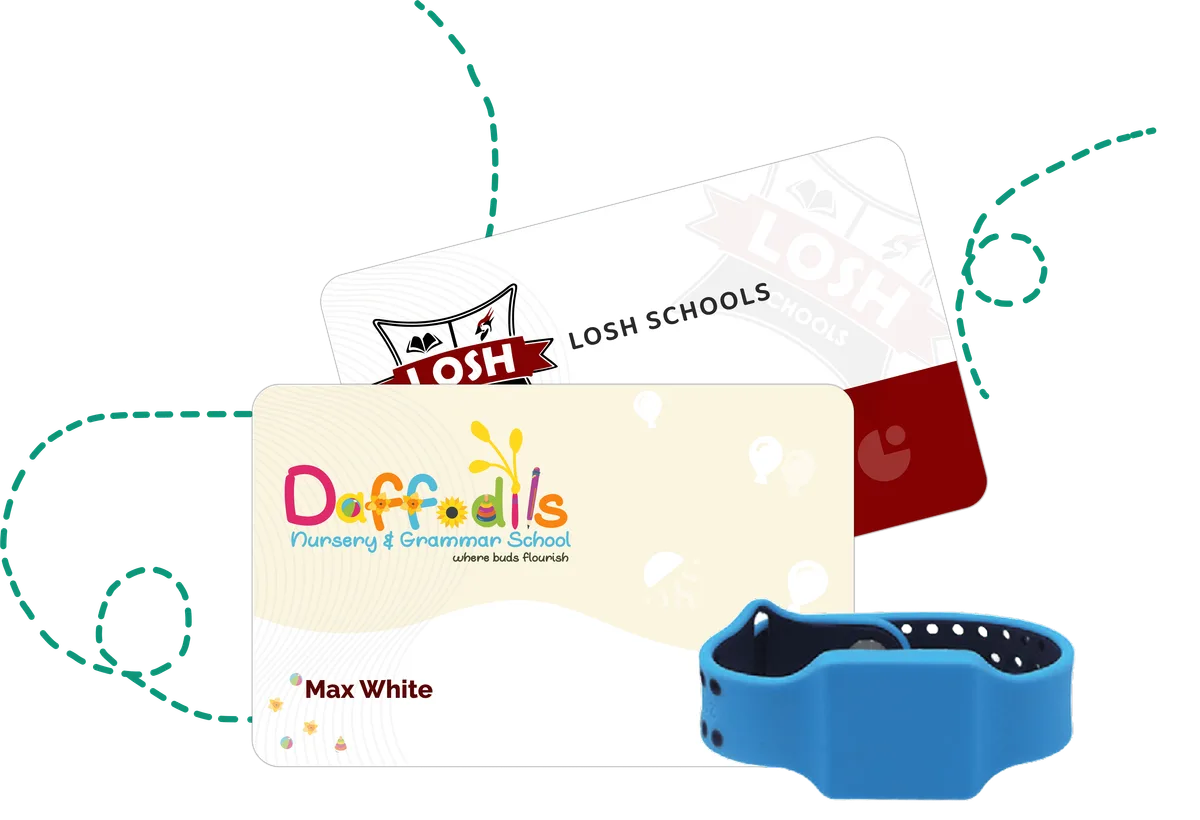
What Smart ID Cards & Wristbands includes
- Register NFC smart IDs for students and staff, protected by a PIN.
- Tap to record check-in and checkout for students and staff.
- Use the ID as an e-wallet for deposits, withdrawals and transfers.
- Pay in the canteen, on transport and at the school shop or point of sale with a PIN and balance check.
- Log home pickup, school drop-off, school pickup and home drop-off on the school bus.
- Assign an NFC visitor tag at sign-in and scan it again to sign the visitor out.
- Optionally refuse entry to students who owe more than a set amount or percentage of their fees.
- Scans and payments are saved offline and uploaded automatically once the device reconnects.
How it works
- 1
Register the ID
Staff link an NFC card or wristband to a student or staff profile in the Staff app.
- 2
Tap at the gate
Check-ins and checkouts are recorded with a tap, and guardians receive a notification.
- 3
Tap to pay or board
The same ID pays for meals and shop items from the e-wallet and logs bus pickups and drop-offs.
- 4
Records sync automatically
If the connection drops, scans are stored on the device and uploaded later.
Why schools choose it
No paper registers
Attendance is captured the moment an ID is tapped.
Less cash on campus
Students pay from their e-wallet instead of carrying money.
Parents know their child arrived
Guardians get check-in and checkout notifications on their phone.
Keeps working offline
Poor connectivity does not stop attendance or payments.
Frequently asked questions
What technology do SchoolDesk smart IDs use?
SchoolDesk smart IDs use NFC. Staff tap the card or wristband on a phone running the SchoolDesk Staff app with NFC turned on.
What can a SchoolDesk smart ID be used for?
Student and staff check-in and checkout, e-wallet payments in the canteen, on transport and at the school shop, and recording bus pickups and drop-offs.
Does the smart ID work without internet?
Yes. Check-ins, canteen, transport and shop payments are saved on the device while offline and uploaded automatically when the connection returns.
Are guardians notified when their child checks in?
Yes. Guardians receive a push notification when their child checks in and when they check out.
Related features
Canteen & Transport Management
Run your school canteen and bus service with subscription, pay-as-you-go or e-wallet billing, eligibility lists, weekly menus, trip notifications and offline scans.
Student Safety & Health Records
Check-in and checkout notifications, authorized pickup and drop-off persons, fee-based entry control, NFC visitor tags and a school clinic log with medical history.